Healthcare
Wired or wireless nurse call: the trade-off
On this page
- The question is per position, not per building — what should you know?
- What each option requires — what should you know?
- The numbers that actually decide — what should you know?
- The corridor light is part of the wired design — what should you know?
- Where the two options genuinely change the design — what should you know?
- Commissioning a mixed ward
The question is per position, not per building — what should you know?
Care projects tend to be quoted as either "wired" or "wireless", and that framing is what creates the argument. The two options are not alternatives for the whole home; they are alternatives for one position at a time, and the material supports mixing them freely within a single ward.
Look at where a call can start. A bedside station is a fixed device, screwed to the wall beside a bed, wired back to a switch. A bathroom pull cord may be three metres from the nearest cable route, or it may be beside a riser. A pendant on a walking resident moves with them and can never be wired at all. Those three positions have three different answers.
What each option requires — what should you know?
| Option | Documented product facts | What it costs |
|---|---|---|
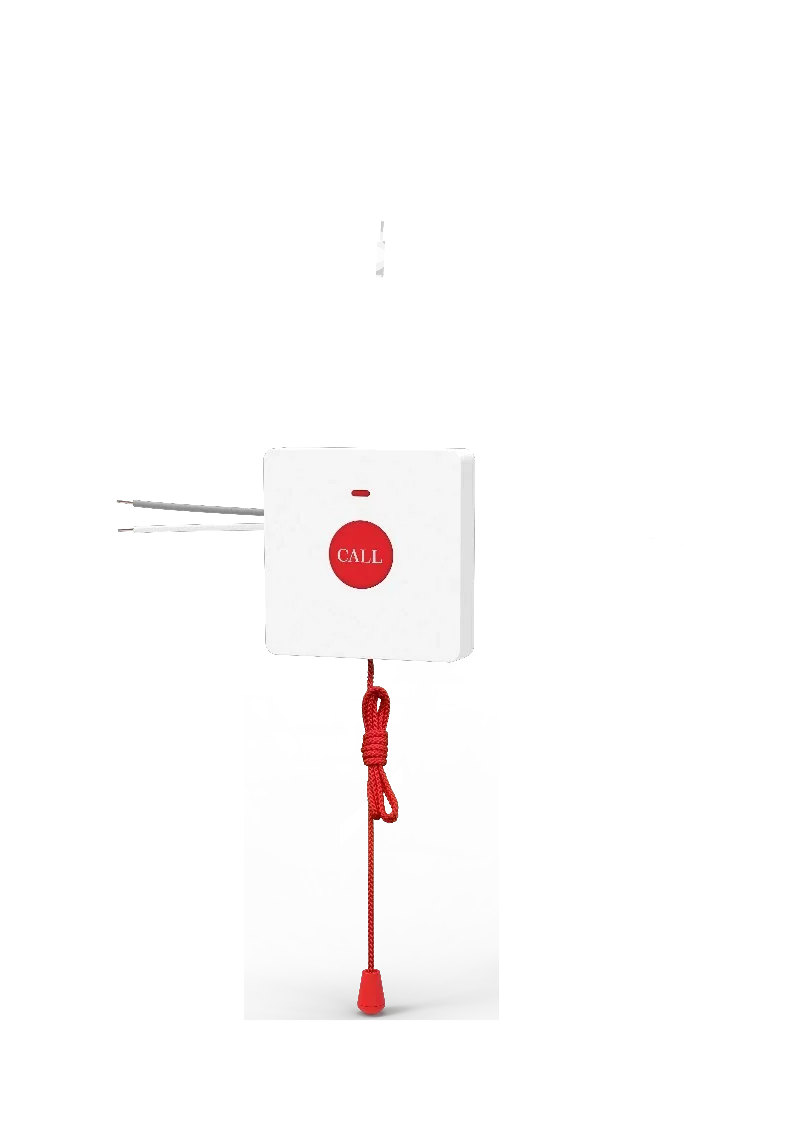
| Wired bathroom pull cord | KT31: IP44, a 2 m pull cord, no power of its own, and it works with the bedside station series | Cable to the bathroom, and a route for it |
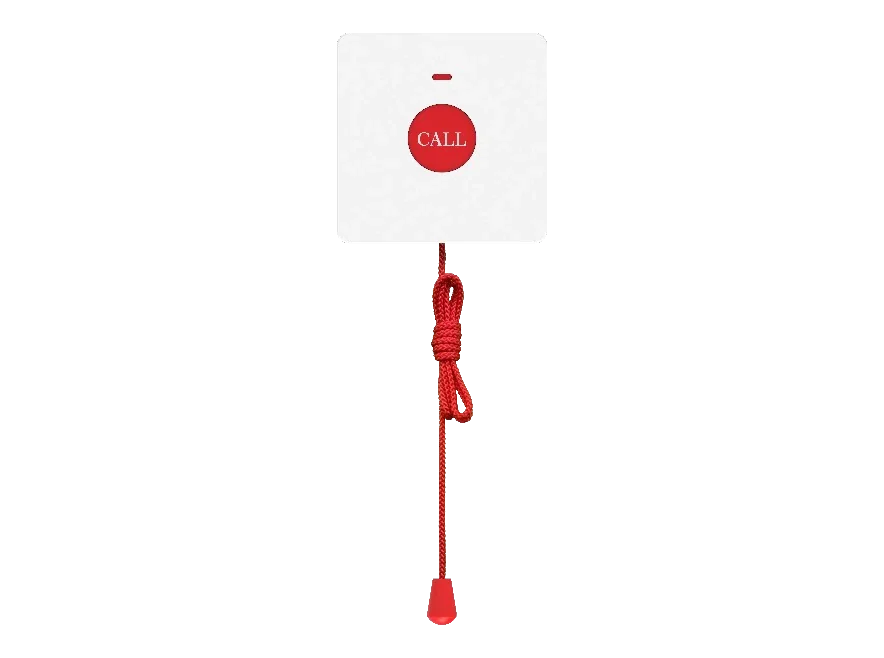
| Wireless bathroom pull cord | KT30: IP65, 433 MHz, working range 6 to 25 m, battery inside | No cable at all, and a battery that has to be replaced |
| Wireless pendants | KT10 and KT20: 433 MHz, working range 6 to 25 m, self-powered with no battery | Nothing per button - but they need a host within radio range |
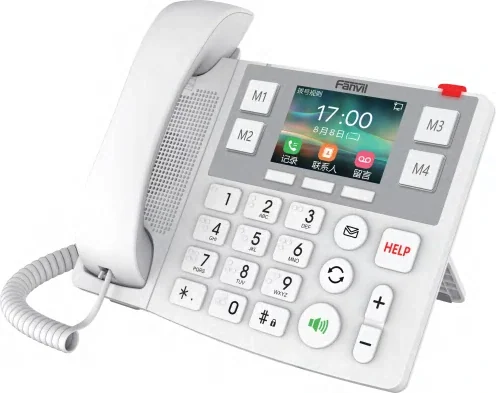
| Host for the buttons | Bedside station series (up to 10 wireless buttons) and the X305 big-button phone (up to 10 KT10 buttons) | The host is a wired device, so the radio link only replaces the last hop |
One consequence is easy to miss: wireless buttons are not wireless systems. They talk to a host that is itself wired, powered and networked, with the stations typically drawn on structured cabling in the care material's layouts. Wireless removes the run to the button, not the run to the room.
The numbers that actually decide — what should you know?
- 2 m - the length of the pull cord on both the wired and the wireless bathroom button. It sets where the unit sits relative to the floor, which is a design and dignity question before it is a technical one.
- 6 to 25 m - the published working range of the wireless buttons. Treat 25 m as a laboratory figure and 6 m as the floor of the specification, then subtract for a bathroom wall, a tiled corner and a corridor bend.
- IP65 against IP44 - the wireless bathroom button is rated IP65, the wired one IP44. In a wet room that difference is the argument for wireless even where a cable could be got there.
- Battery, or no battery - the KT30 carries a battery inside, while the KT10 and KT20 are self-powered. Where a maintenance schedule already exists, a battery is one more item on it; where no such schedule exists, a self-powered button or a wired one is the safer default.
The corridor light is part of the wired design — what should you know?
The light over the room door is powered and controlled by the bedside station itself, over the same connection, and it carries red, green, blue and yellow to indicate different states. That matters for the wired-versus-wireless decision in two ways: it means a wired installation already has a run to the door, so a wired pull cord in the same room may only be a short extra; and it means the indication never depends on the button's radio link - the light is on the wall whether or not the handheld part is.
Where a corridor needs more than a light, the display shows the room and the call type: up to 30 prioritised messages on a 128x32 dot-matrix panel, pushed from the console, and multilingual on a shared ward where staff and residents do not read the same language.
Where the two options genuinely change the design — what should you know?
- Existing fabric. A listed or solid-walled building with no ceiling void makes a wired bathroom run expensive and slow; the wireless button is what makes the ward affordable.
- New build or a refurbishment with ceilings open. Wire everything. The cable is paid for once, at the cheapest moment, and there is no battery ever.
- Wet rooms and assisted bathrooms. IP65 on the wireless button is a real advantage in a shower room.
- Mobile residents. Neither pull cord helps someone who walks. That is what pendants are for, and they must be within 6 to 25 m of a host station that is itself positioned with the ward layout in mind.
- Ratios still apply. Bedside stations follow beds, pull cords follow bedrooms, corridor lights follow rooms, and handsets follow the care team on shift. The wired-or-wireless choice sits on top of those counts; it does not change them.
Commissioning a mixed ward
- Trigger every button with the station in place, and repeat it with a trolley or a bed between the button and the host - radio does not respect floor plans.
- Check the corridor light and the corridor display for each call type, and confirm the flash pattern that distinguishes a routine call from a toilet emergency and a code blue.
- Confirm an emergency call still requires the recipient to enter a password before it connects, so a recording cannot stand in for a person.
- Confirm the call transfers to a portable handset when the station is unattended - the W611W states about 9 hours of talk time and 200 hours of standby on a 1900 mAh battery, the W620W 13 hours and 240 hours on 3000 mAh.
- Write the battery list into the maintenance schedule on day one, with the location of every wireless battery in the building.
Decide per position, document per position, and the wired-versus-wireless question stops being a philosophy and becomes a column in the bill of materials.