
Product range
IP PBX Telephone Exchange Systems
Five models spanning 24 to 1000 SIP trunks, with analog ports from zero to ninety-six. One of them fits the site — the comparison below shows which.
- 24 to 1000 SIP trunks across the range
- Analog capacity from 0 to 96 ports, chosen by card
- Auto attendant with multi-level IVR and time-of-day routing
- Recording in G.711 and G.729, on-box or to a server
- Fax as T.38 or G.711 pass-through
- Multi-site networking with unique or repeatable extension numbering
- Management over web GUI or SSH, with TR069 for central provisioning
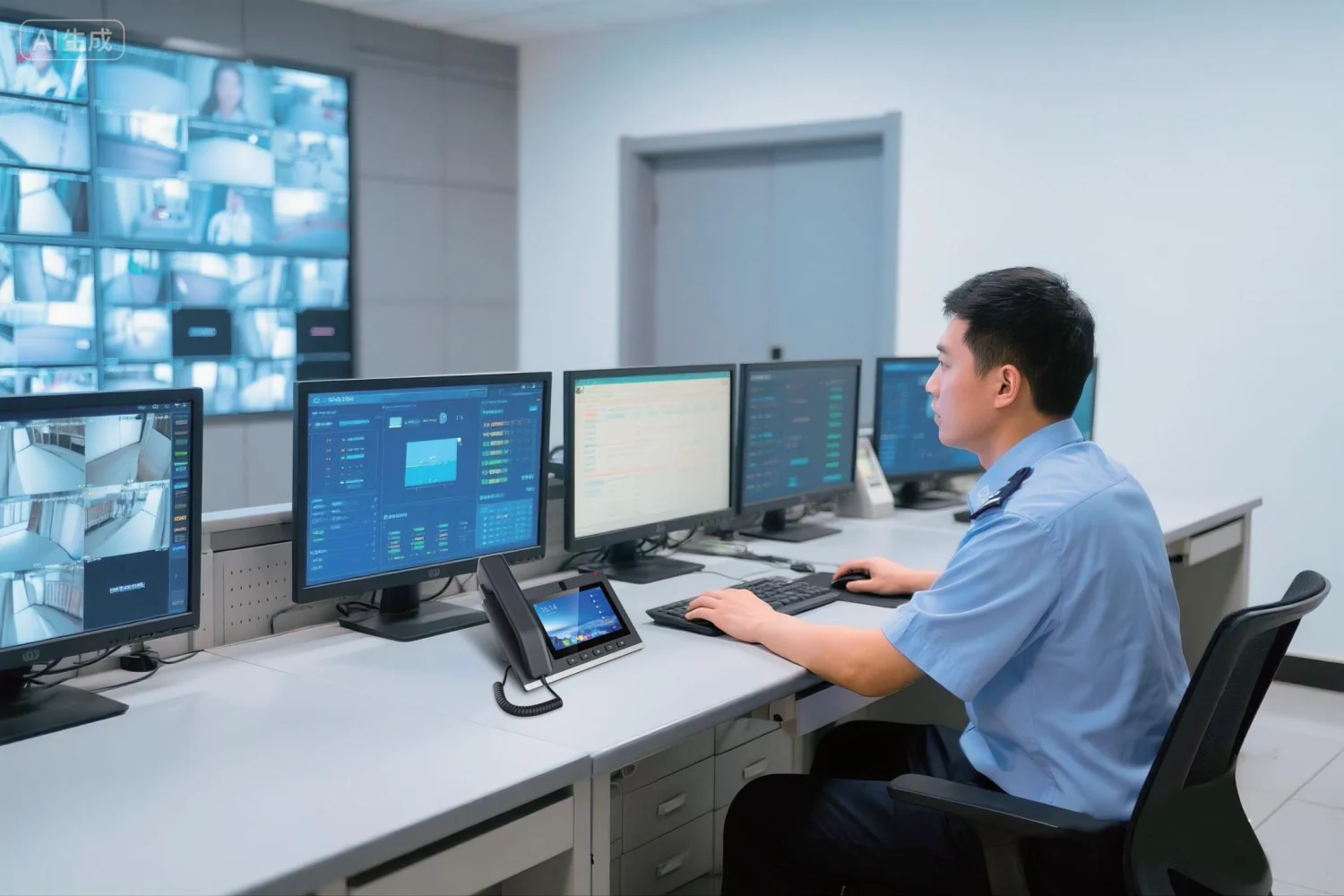
How an IP PBX sits in a building
The PBX is the one box that decides where a call goes. Phones register to it over the network, outside lines arrive on SIP trunks or analog ports, and everything else — extensions, groups, voicemail, recording, paging — is configured inside it.
- SIP desk phones, hotel handsets and intercom terminals register as extensions over the LAN
- Analog phones and fax machines connect to FXS ports where the model has them
- Outside lines arrive as SIP trunks over the internet, or as analog lines on FXO ports
- Recording, voicemail and voice prompts live on the internal storage, or on a recording server
Extension numbers start at 200 by default, and analog line dialling delay defaults to 1000 on the smaller models and 600 on the larger ones.
Choosing between the five models
Two numbers decide it: how many SIP trunks you need, and how many analog ports. Everything else follows.
- No analog ports at all, pure SIP, and you need redundancy — OM1000-UC
- Dozens of analog ports with room to grow in the chassis — OM200G
- Up to 48 analog ports in a rack, AC or DC — OM80E
- Keeping six to twelve analog lines in a desktop box — OM50G
- A small office, and cellular backup matters — OM20G
What the system does out of the box
The feature set is common across the range. The differences between models are capacity, ports, power and redundancy.
- Auto attendant with time-of-day routing, up to three periods per day, and multi-level IVR
- Operator position with up to five numbers, ring groups with sequential, rotating or simultaneous distribution, and queues of up to 20 waiting calls
- Call transfer in six variants, hold, park, pickup, three-way calling and call waiting
- Do-not-disturb, hotline, abbreviated dialling groups, call barring by time and day, and five outbound permission levels
- Voicemail retrieval by dialling *98, with the option to forward messages to a mailbox
- Wake-up calls, call recording, satisfaction surveys and alarm notification
- Security: access white list, static and dynamic defence, login lockout, TLS and SRTP options, and SIP signalling and voice-payload encryption
- Management: web GUI or SSH, auto provisioning over DHCP option 66, TR069, and call detail records pushed to an external server
IP PBX Telephone Exchange Systems in this range
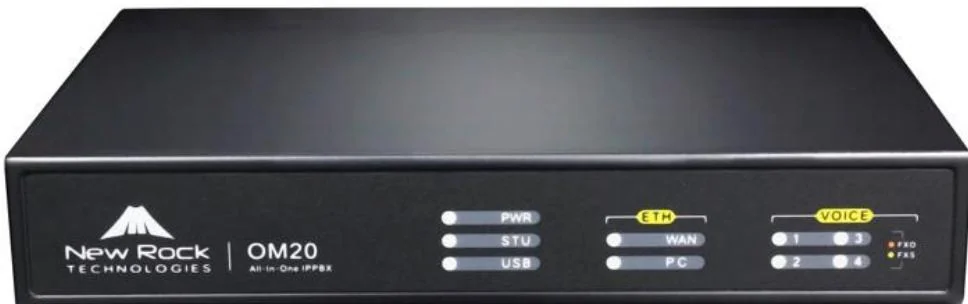
OM20G
Entry-level all-in-one IP PBX for small offices and branch sites.
- Up to 4 analog ports
- 24 SIP trunks
- 16 GB storage
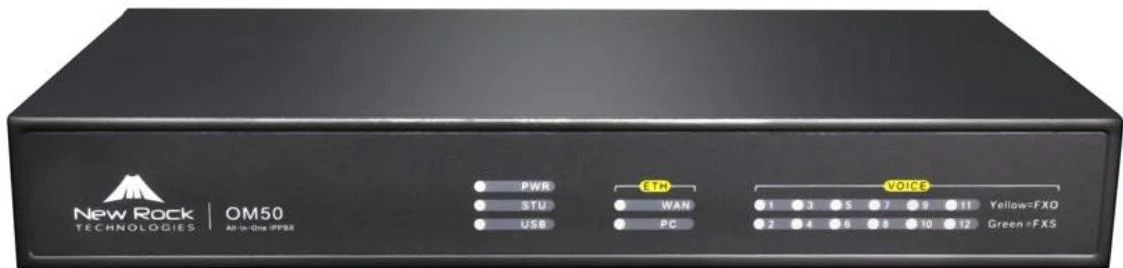
OM50G
Three interface cards and 62 SIP trunks for offices that keep their analog lines.
- Up to 12 analog ports
- 62 SIP trunks
- Local + remote recording
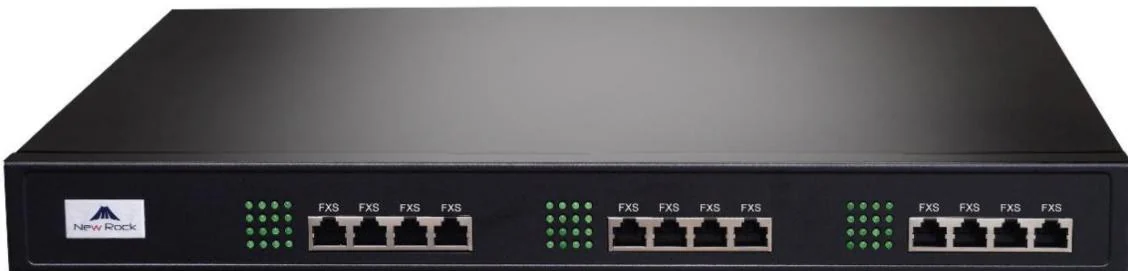
OM80E
Rack-mount PBX for 48 analog ports with AC or DC power.
- Up to 48 analog ports
- 216 SIP trunks
- AC 100–240 V or −48 V DC
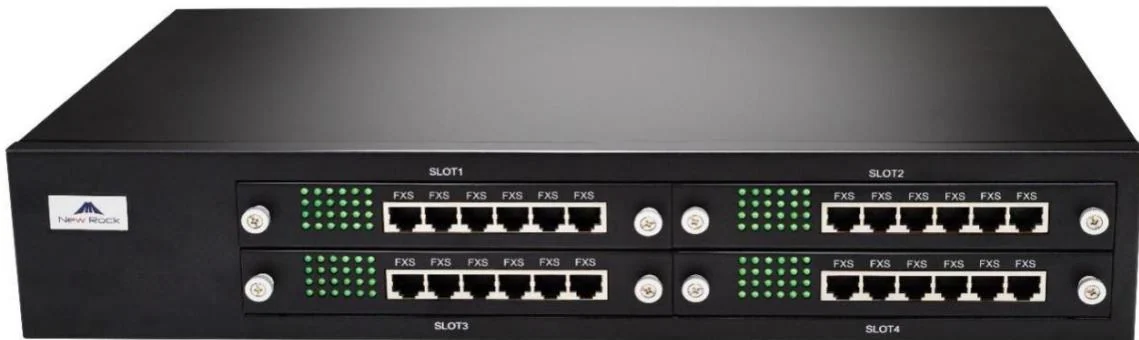
OM200G
Four hot-swap slots, 496 SIP trunks and gigabit networking.
- 4 hot-swap slots
- Up to 96 analog ports
- 496 SIP trunks

OM1000-UC
Pure-SIP PBX core with 1000 trunks and hot standby.
- 1000 SIP trunks
- 4 × gigabit interfaces
- Dual hot standby
Choosing between options
OM series capacity comparison
| Model | Analog ports | Max SIP trunks | Ethernet | Power | Recording | Hot standby |
|---|---|---|---|---|---|---|
| OM20G | Up to 4 | 24 | 2 × 100M | Adapter | Local + remote | No |
| OM50G | Up to 12 | 62 | 2 × 100M | Adapter | Local + remote | No |
| OM80E | Up to 48 | 216 | 2 × 100M | AC or −48 V DC | Remote only | No |
| OM200G | Up to 96 | 496 | 2 × gigabit | Single/dual AC or DC | Remote only | No |
| OM1000-UC | None | 1000 | 4 × gigabit | Single AC | Remote only | Yes |
Frequently asked questions
How many extensions can the system support?
Do these systems work with ordinary SIP phones from other brands?
How do I connect a fax machine?
Can several sites share one dial plan?
Is there redundancy?
Planning an IP telephony project?
Send us the site type, the number of extensions or rooms and the areas to cover — we will come back with a configuration and quotation.
Send the site details
Six facts build a configuration: site type, extensions or rooms, simultaneous calls, areas to cover, existing lines and the documents you already hold. Send as many as you know — nothing has to be final before the first reply.
- Reply within one working day
- Configuration + quotation for your site
- Your details are used only to answer this inquiry
Page author: NEXVIA EngineeringPublished: Last updated: