
Applications
Applications — IP telephony systems by building type
Twenty-one scenarios across the building types we fit out: hotels and resorts, economy and chain hotels, hospitals, care homes, offices, apartment buildings, commercial buildings, warehouses, car parks, lifts and stairwells, schools, factories, and the platform integrations around them. Each one starts from the same question — what has to be reached, who answers, and what the cabling allows — and each is a reference design drawn from published capacity and product data.
- Hotels, hospitals and care homes, offices, apartment and commercial buildings, warehouses, car parks, lifts, schools and factories
- Twenty-one scenario pages, each with a quick answer, sizing by scale and at least two quantitative tables
- Every page gives an area-by-area device plan and a configuration by scale
- Sizing is stated in SIP trunks — 24 to 1000 across the OM range — because the manual does not state a maximum extension count
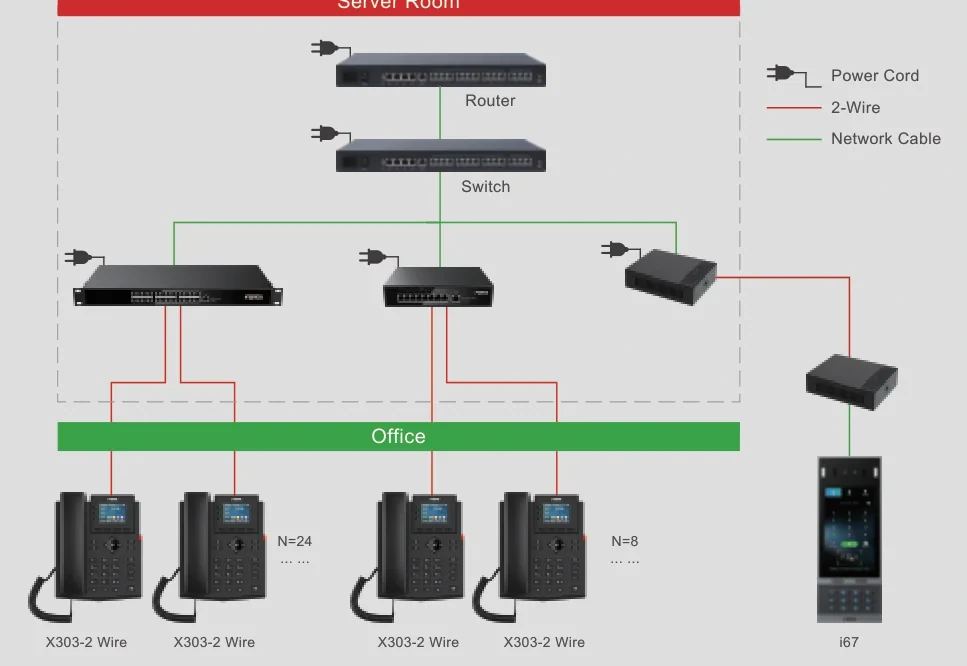
- Cabling, PoE, power and network notes are included, along with 2-wire retrofit where buildings cannot be re-cabled
- All plans are reference designs confirmed on the quotation; no customer, project or case study is named
01
Hospitality
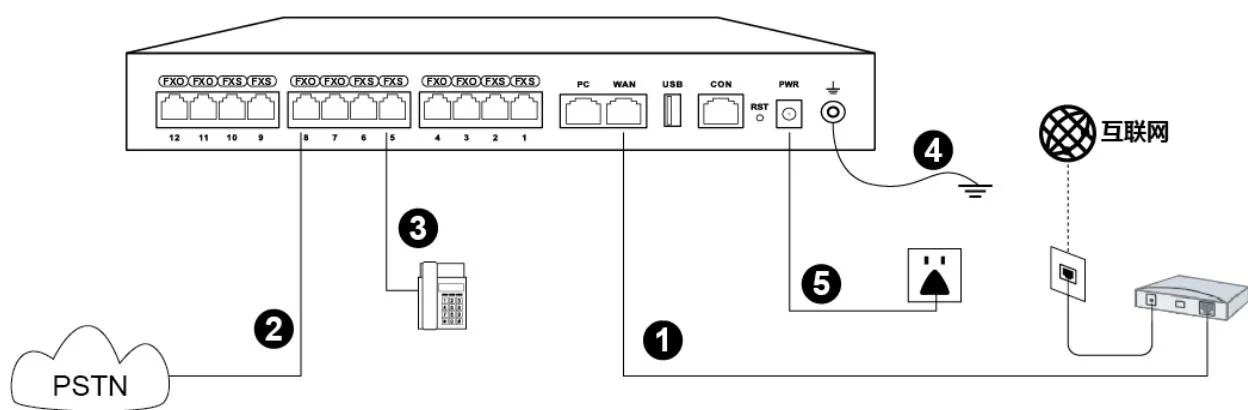
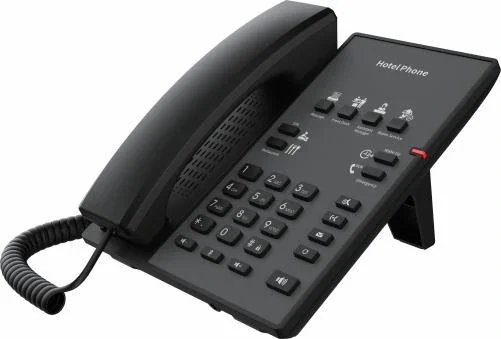
Guest rooms, front desk and service calls on one system — including the two-core retrofit for buildings that cannot be re-cabled.
2 entries
02
Healthcare
Ward call chains, nurse call, clinical intercom and care-home communications — sized by beds and call points rather than by desks.
4 entries
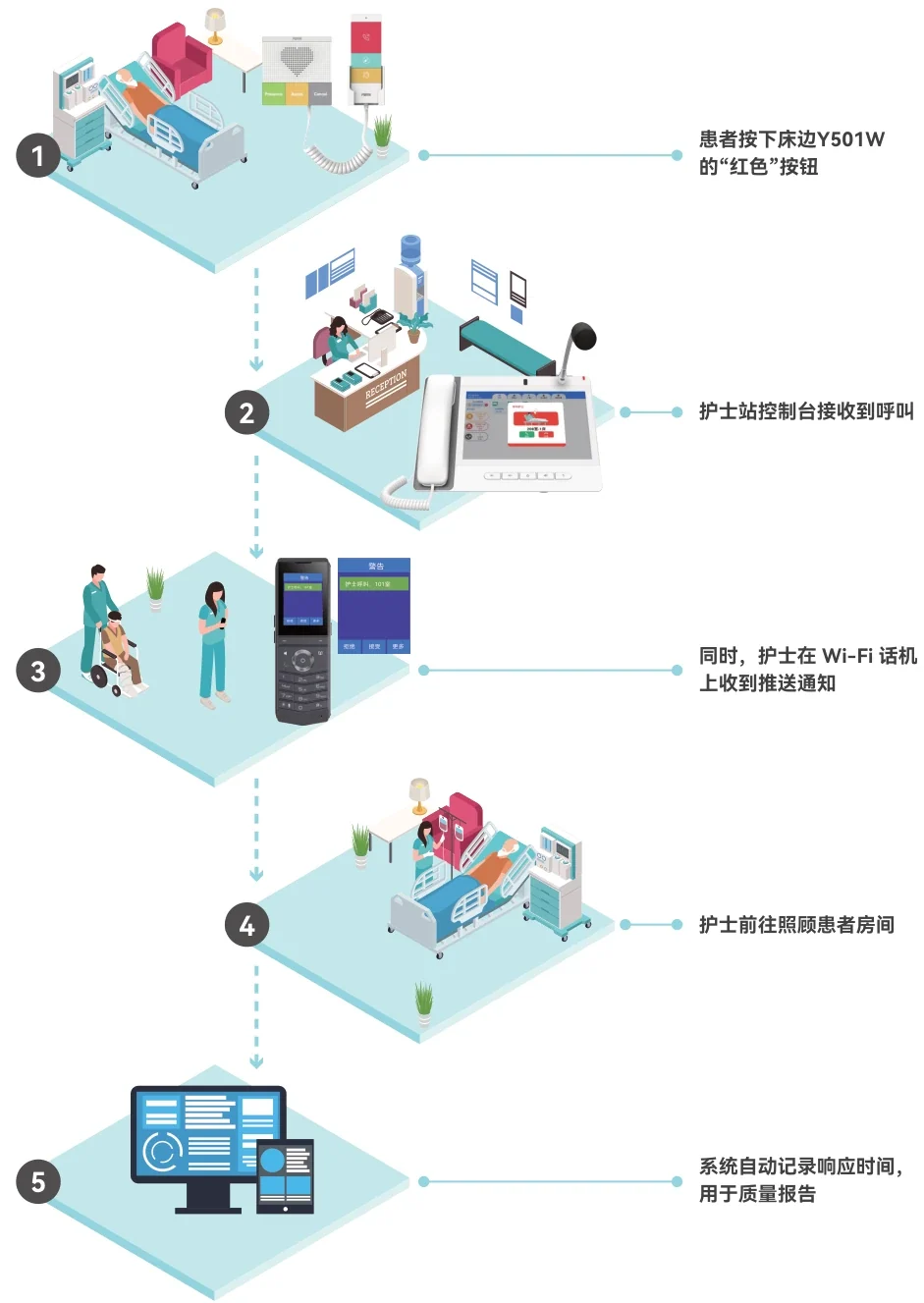
Hospital Phone Systems
Ward call points, nurse consoles and site telephony on one network.
Read more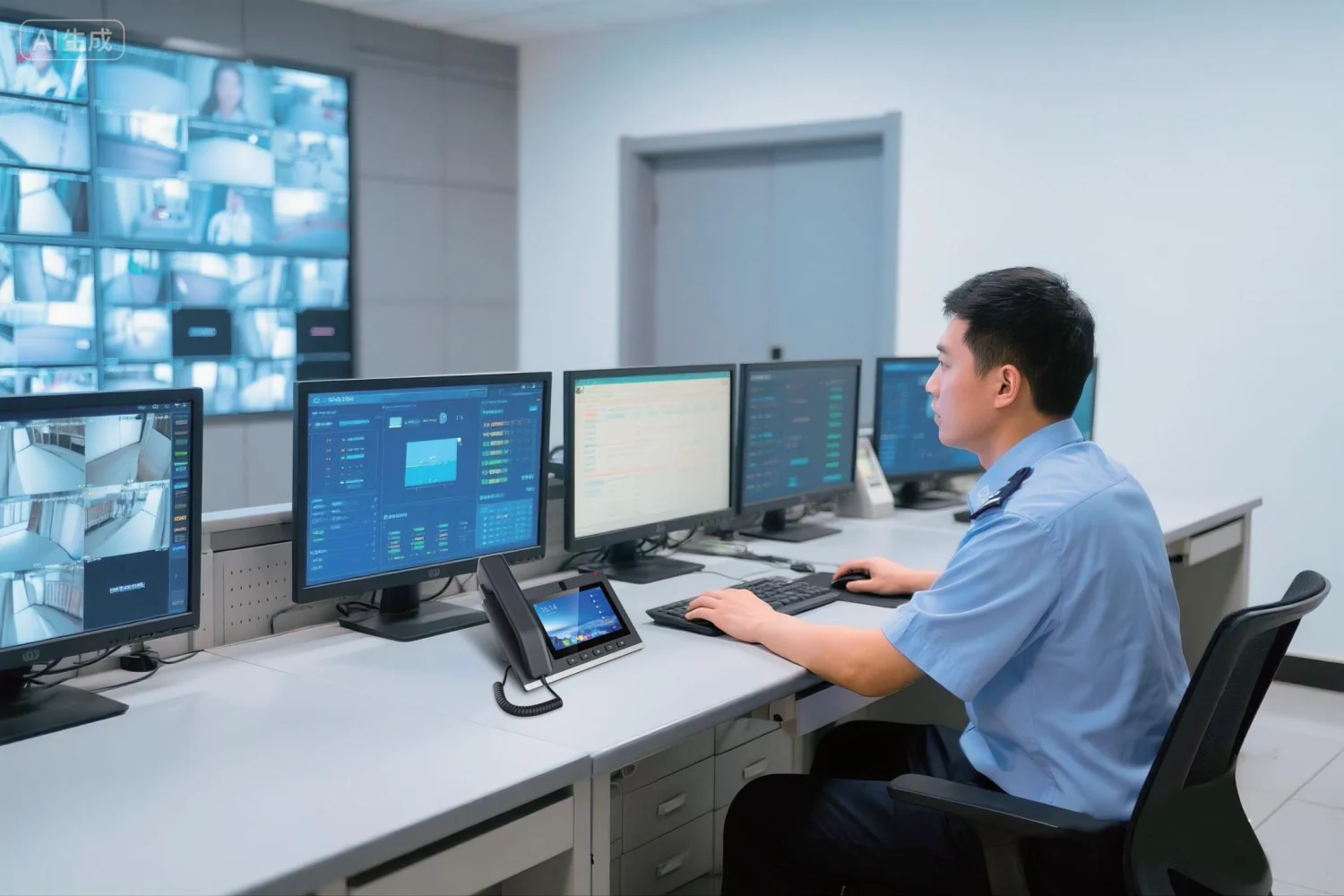
Nurse Call Systems
Call points, corridor indication, console and portables as one chain.
Read more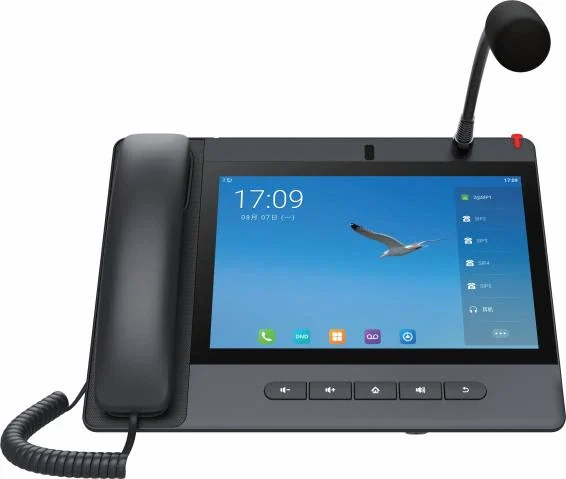
Hospital Intercom Systems
Ward calls, clinical rooms and theatre doors as one chain.
Read moreAssisted Living Intercom
Big-button phones, pendants and pull cords for senior living.
Read more
03
Offices & Buildings
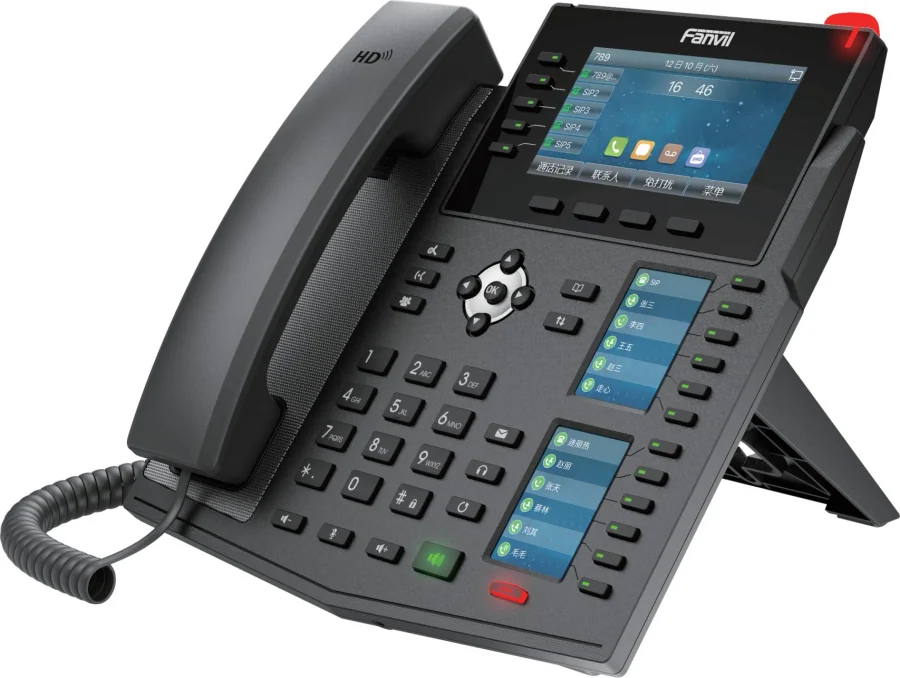
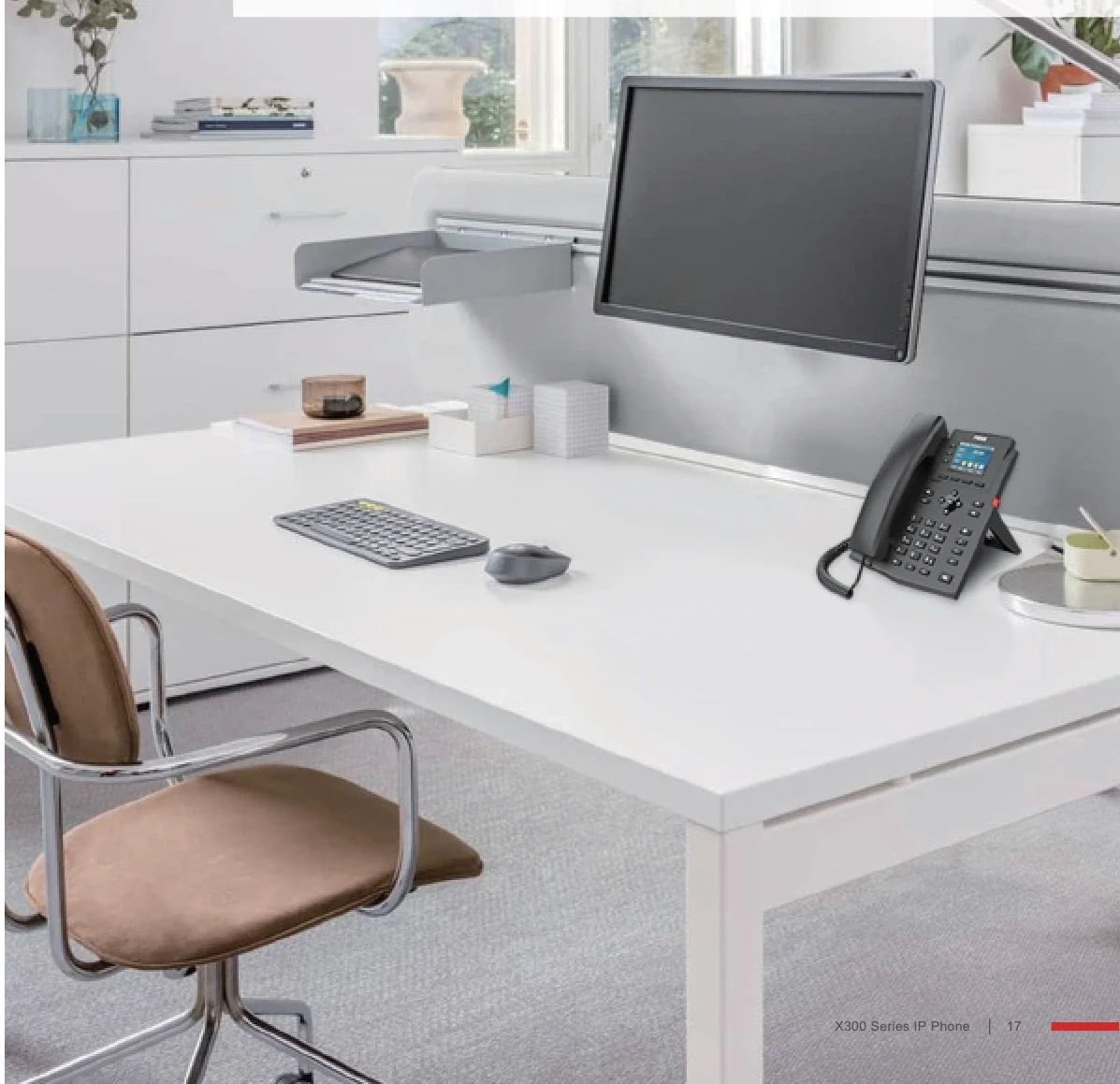
Desk telephony and internal intercom for workplaces, from a single floor to a multi-site enterprise.
3 entries

04
Apartment & Entry
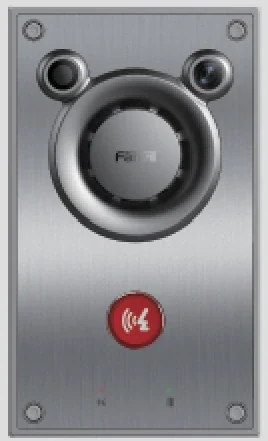
Entrance stations, indoor monitors and the door-release circuit — the part of a building every visitor touches first.
3 entries
05
Access & Safety
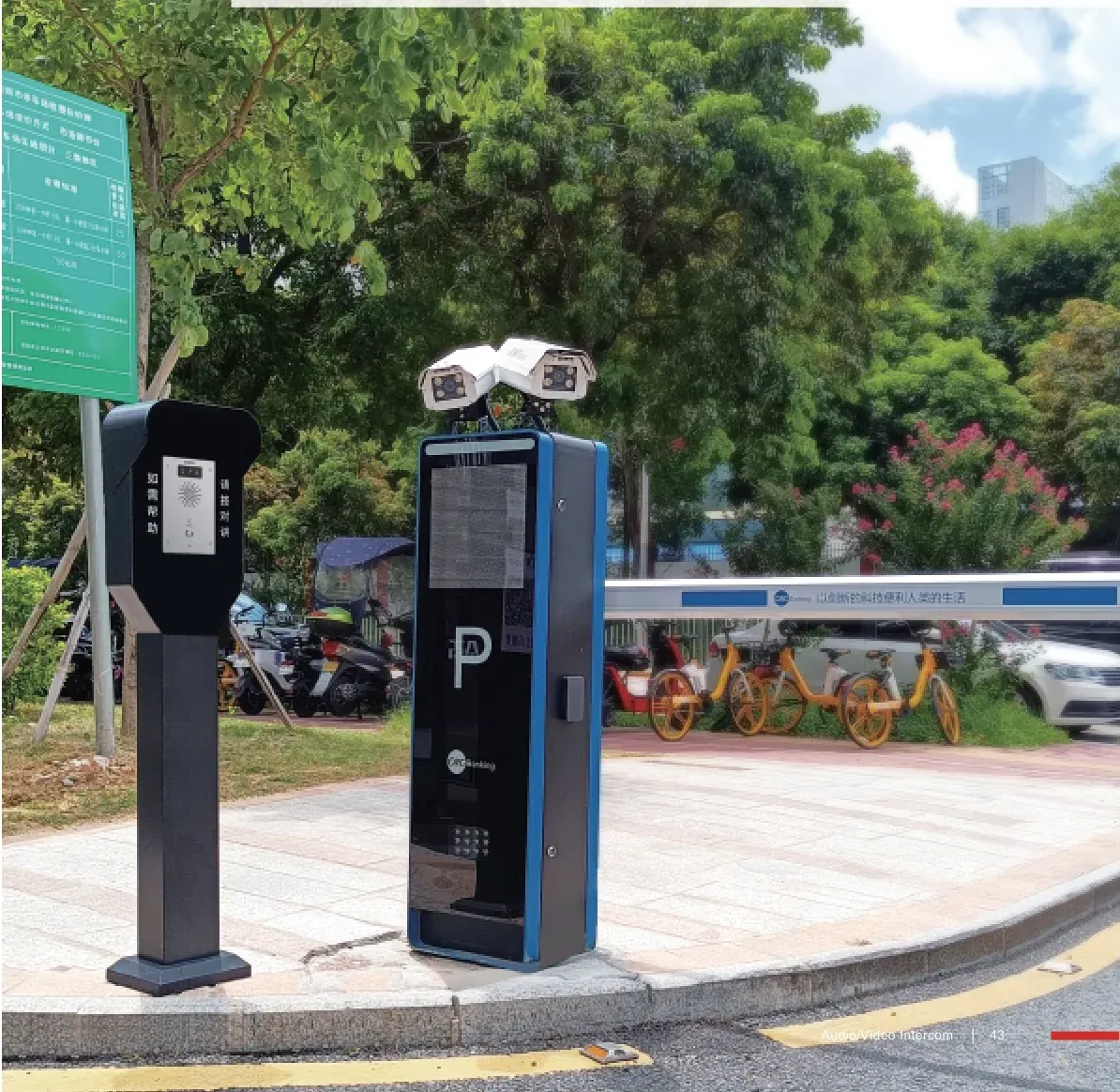
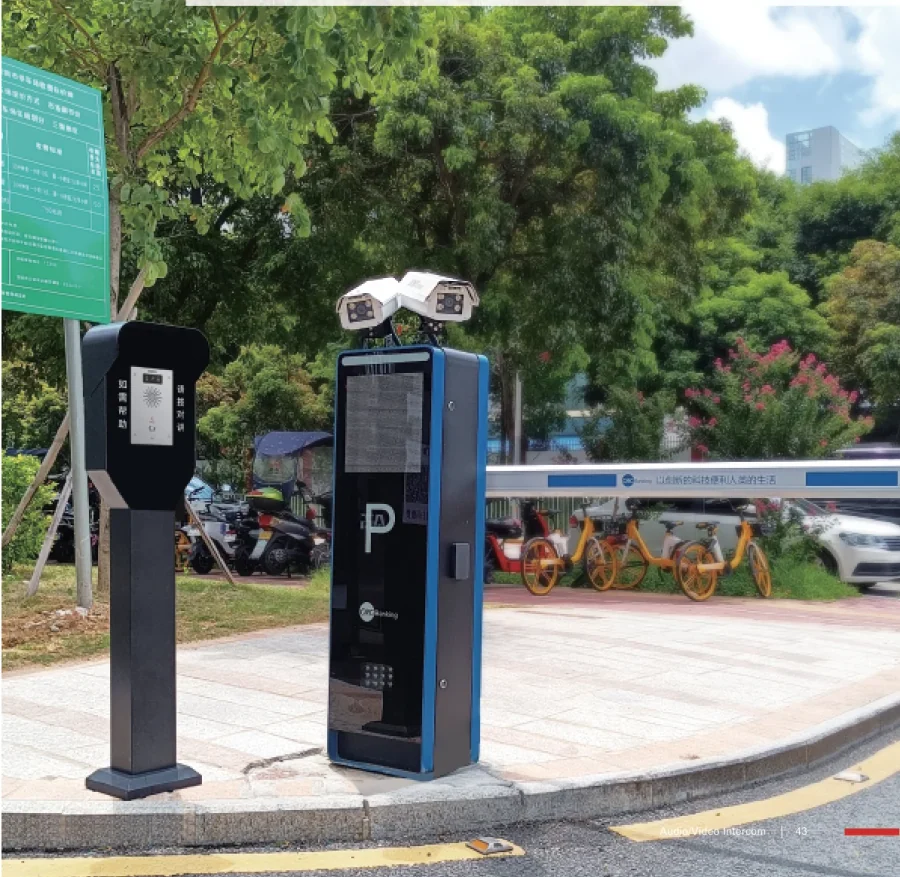
Communications where an outage is not an option: car parks, lift cars and stairwells, with the wiring and power rules that apply.
2 entries
06
Education & Industry
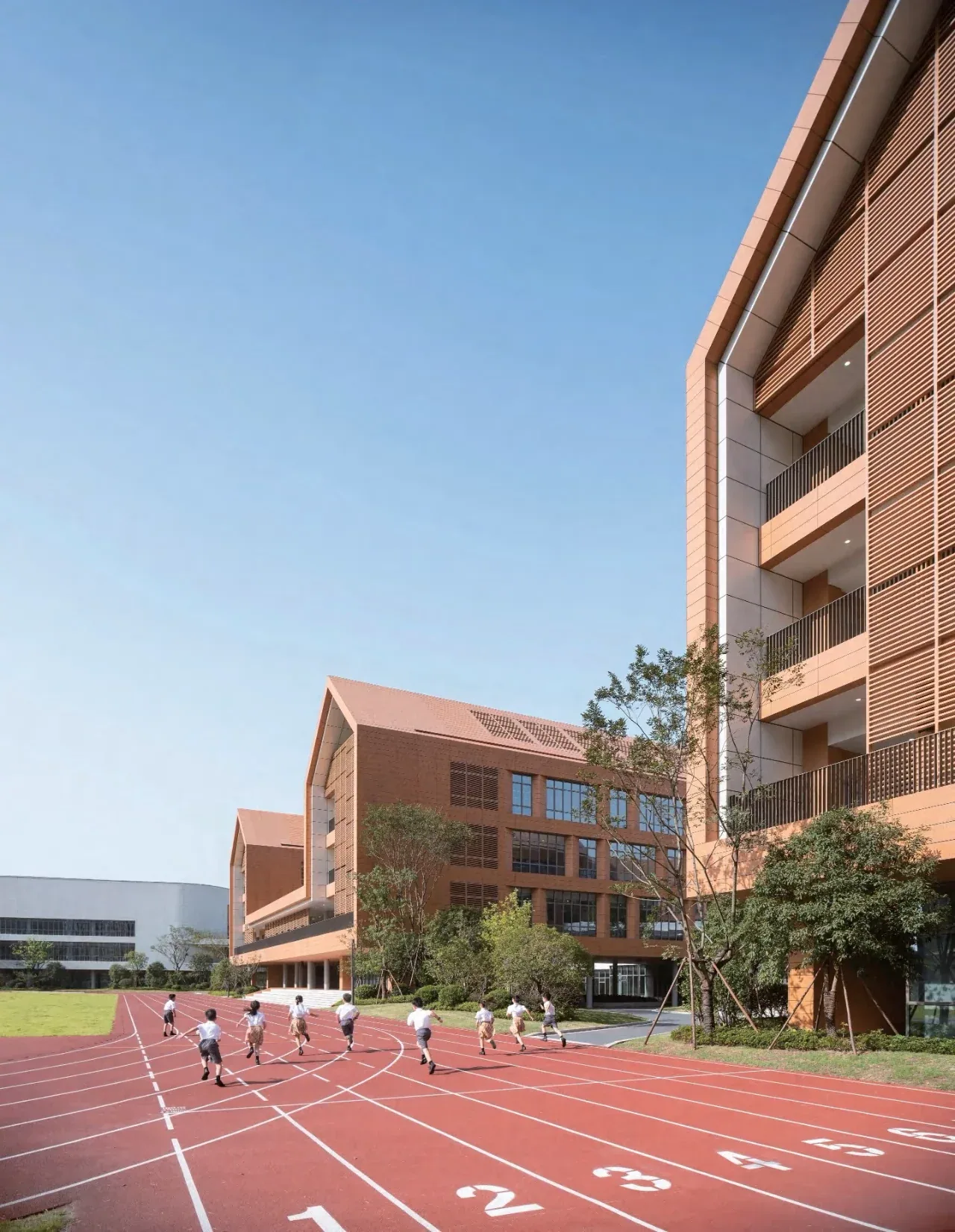
Campus paging and emergency calls, plus warehouse and factory announcement systems where background noise sets the design.
3 entries
07
Systems & Networks
The pieces underneath every scenario: the IP PBX core, SIP speakers, analog gateways and two-core converters.
4 entries
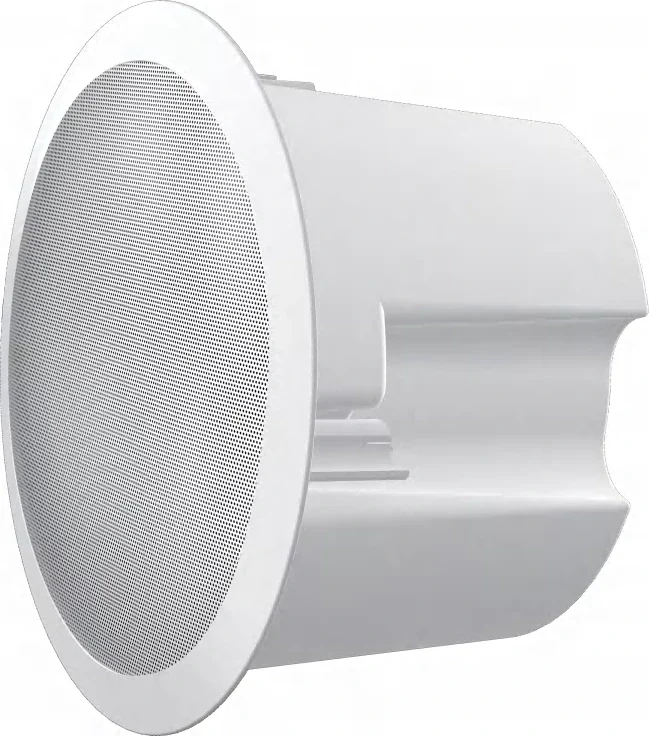
IP PBX Systems
Five on-premise models from 24 to 1000 SIP trunks.
Read more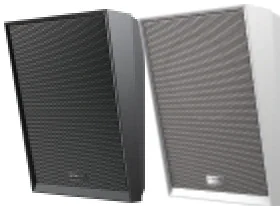
IP Paging Speakers
SIP speakers, horns and paging gateways for zoned audio.
Read more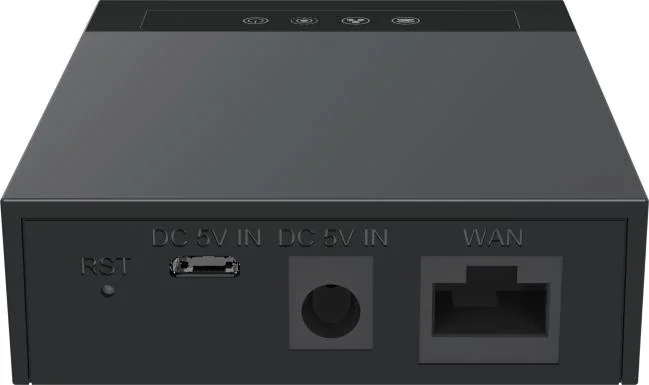
VoIP Gateways
Analog phones, lines and fax onto a SIP platform.
Read more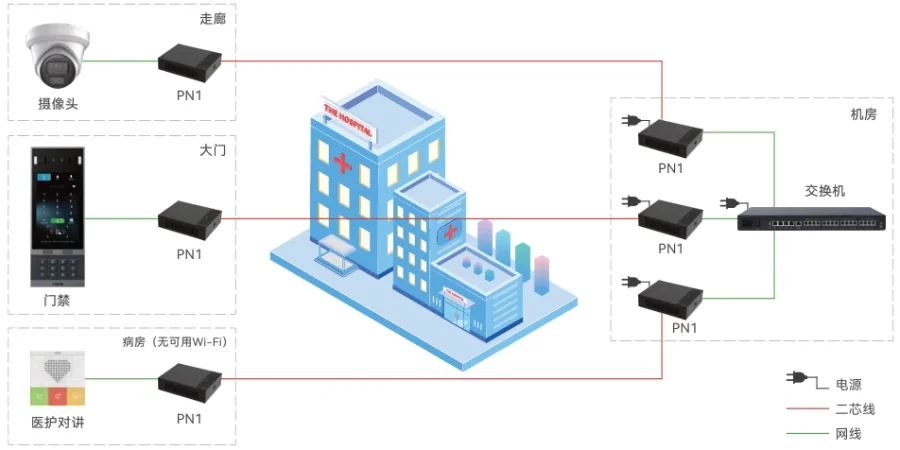
2-Wire IP Phones
Network and power over the two cores already in the wall.
Read more
08
More
The full index and the worked equipment lists these designs are built from.
2 entries
Applications
| Applications | Typical use |
|---|---|
| Hospitality | |
| Hotel Phone Systems | Guest rooms, front desk and wake-up calls on one IP PBX. |
| Economy Hotel Phone Systems | Budget rooms, simple handsets and one dial plan. |
| Healthcare | |
| Hospital Phone Systems | Ward call points, nurse consoles and site telephony on one network. |
| Nurse Call Systems | Call points, corridor indication, console and portables as one chain. |
| Hospital Intercom Systems | Ward calls, clinical rooms and theatre doors as one chain. |
| Assisted Living Intercom | Big-button phones, pendants and pull cords for senior living. |
| Offices & Buildings | |
| Office Phone Systems | Desk phones, reception and trunks sized for the business. |
| Office Intercom Systems | Desk, door and wireless intercom on one business PBX. |
| Building Intercom | Reception, tenants, gates and lifts on one entry system. |
| Apartment & Entry | |
| Apartment Intercom | Entrance stations, indoor units and flat-to-flat addressing. |
| Door Entry Systems | Entrance stations, indoor units, guard desk and lift control. |
| Video Door Phones | See the visitor, speak, and release the door from a screen. |
| Access & Safety | |
| Parking Intercom Systems | Help points, barrier release and car-park paging. |
| Elevator Intercom Systems | Car, pit, car top and machine room on one emergency chain. |
| Education & Industry | |
| School Intercom Systems | Staff phones, campus paging and one-touch emergency calls. |
| Warehouse Intercom | Aisle paging, dock calls and radio-to-SIP for logistics sites. |
| Industrial Paging Systems | Plant-wide announcements, alarms and radio on one platform. |
| Systems & Networks | |
| IP PBX Systems | Five on-premise models from 24 to 1000 SIP trunks. |
| IP Paging Speakers | SIP speakers, horns and paging gateways for zoned audio. |
| VoIP Gateways | Analog phones, lines and fax onto a SIP platform. |
| 2-Wire IP Phones | Network and power over the two cores already in the wall. |
| More | |
| All applications | All applications |
| Reference Configurations | Reference Configurations |
How to use these pages
- Start with the building type that matches the site, not with a product.
- Use the device plan to walk the building area by area — entrance, room, corridor, desk, plant room.
- Use the configuration by scale as the first sizing pass, then send us the counts for a confirmed model.
- Read the cabling notes before a site survey: they decide whether the job is IP, hybrid or a two-core retrofit.
Where the source materials do not state a figure, the pages say so rather than estimating.
Frequently asked questions
Are these real customer projects?
Why is capacity quoted in SIP trunks rather than extensions?
Can a design be adjusted to our building?
Explore Products
Related products
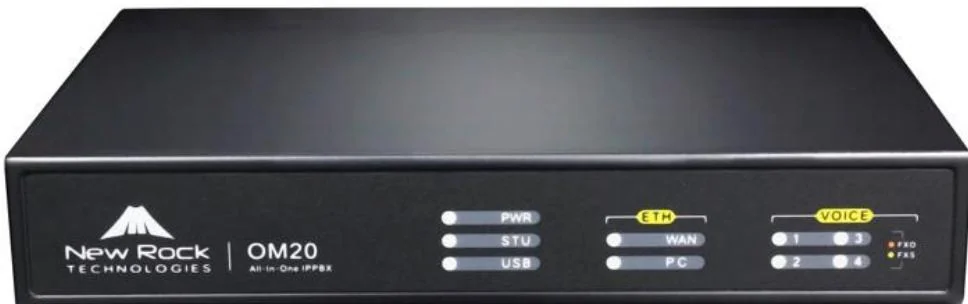
OM20G
Entry-level all-in-one IP PBX for small offices and branch sites.
- Up to 4 analog ports
- 24 SIP trunks
- 16 GB storage
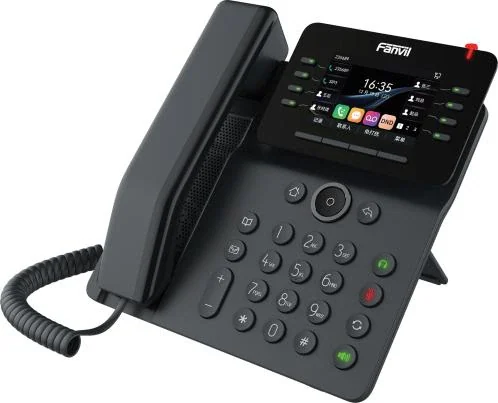
V64
Compact V Series desk phone with dual Gigabit, PoE and built-in wireless.
- 3.5-inch colour LCD
- 12 SIP lines
- 21 DSS keys
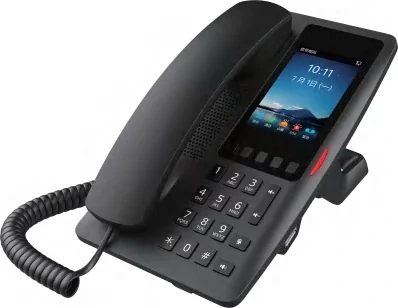
H6W
Five named service keys, Wi-Fi 6 and an AP mode that acts as a room router.
- 2 SIP lines
- 3.5-inch 320×480 screen
- Wi-Fi 6 dual band
A212
Wall speaker with 15 W class D output, talkback and alarm linkage.
- 8 Ω, max 15 W
- PoE 8 W / PoE+ 15 W
- Up to 20 zones
Planning an IP telephony project?
Send us the site type, the number of extensions or rooms and the areas to cover — we will come back with a configuration and quotation.
Send the site details
Six facts build a configuration: site type, extensions or rooms, simultaneous calls, areas to cover, existing lines and the documents you already hold. Send as many as you know — nothing has to be final before the first reply.
- Reply within one working day
- Configuration + quotation for your site
- Your details are used only to answer this inquiry
Page author: NEXVIA EngineeringPublished: Last updated: