Networking
NAT, STUN and remote SIP extensions

On this page
- Three different problems, usually blamed on one — what should you know?
- Route one: punch-through, which the manual recommends first — what should you know?
- Route two: port mapping, when policy demands it — what should you know?
- STUN, and the two headers that fix one-way audio — what should you know?
- Mobile links and awkward networks — what should you know?
- Checklist for a remote extension
Three different problems, usually blamed on one — what should you know?
"The remote phone does not work" covers at least three distinct faults, and they have different fixes:
- The PBX is behind NAT and remote endpoints cannot find it.
- The phone is behind NAT and the PBX cannot send media back to it.
- Both are behind NAT, which combines the two and is where one-way audio usually appears.
Sorting out which of the three you are looking at takes one question: can the phone register at all? If registration fails, the problem is finding the PBX. If registration succeeds but audio runs one way, the problem is address translation on the media path.
Route one: punch-through, which the manual recommends first — what should you know?
The PBX includes a NAT traversal service that is described as the preferred method. When it is enabled, the device generates a punch-through domain of its own, built from a security access code and the last six characters of the device MAC address, on port 5090. The remote phone then registers to that domain name instead of to a public IP address.
Two things follow from this. First, the site does not have to publish or maintain a public IP for the PBX, and no port forwarding is required. Second, the domain is tied to the device, so replacing hardware changes the address - a change to plan for, not a surprise to discover.
Route two: port mapping, when policy demands it — what should you know?
Port mapping means the router in front of the PBX forwards traffic to it. Three details decide whether it works:
- The PBX must hold a fixed IP address on its WAN interface, not a DHCP lease, or the forwarding rule will eventually point at nothing.
- You must forward the SIP signalling port as well as the RTP range. The default RTP range is 10010 to 10266, and every call takes two ports - one for RTP and one for RTCP - so four concurrent calls need eight open ports.
- Mapping external ports to the same numbers internally saves a class of problems later. Where the public address is dynamic, the PBX has built-in DDNS support and the manual lists the provider services it can update.
If the site cannot publish either a fixed address or a punch-through domain, keep the remote phones to a VPN. The OM20G and OM50G carry a built-in OpenVPN client, and the manual is explicit about its intended use: connecting SIP trunks to a server on a private network, with the certificate file loaded as client.ovpn. It is not a general-purpose remote-access VPN for handsets.
STUN, and the two headers that fix one-way audio — what should you know?
STUN is enabled by default on the platform, uses port 3478, and refreshes on a default interval of 60 seconds within a 30 to 65535 second range. It offers two behaviours: re-register with the SIP server, or re-register and update the NAT address. The second is the one to choose when the public address of the site changes.
When audio runs one way, the fix is usually not STUN at all but two address-type settings on the SIP trunk or extension:
- SIP Contact header address type - set to LAN or WAN.
- SDP connection (c=) address type - set to LAN or WAN.
These two settings decide which address the PBX writes into its signalling and its media description. Get them the wrong way round and the call sets up perfectly while carrying no audio in one direction. Remote extensions should also have automatic server detection enabled, which keeps inbound calls landing correctly when the phone is on the move.
Mobile links and awkward networks — what should you know?
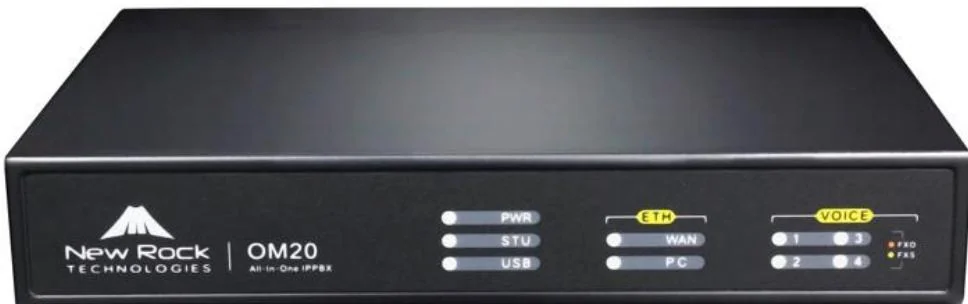
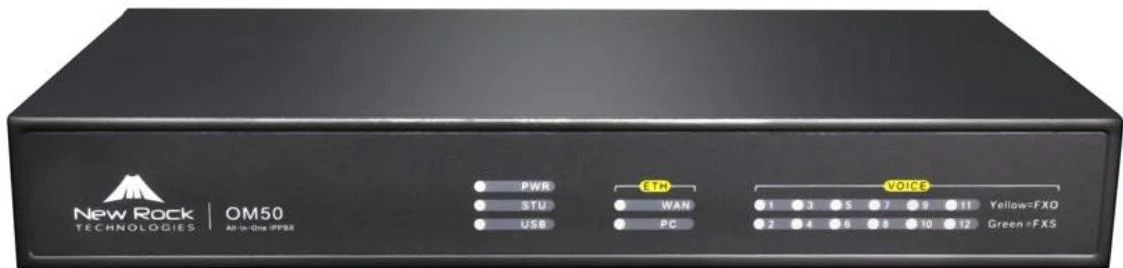
Where the PBX sits behind a cellular router, the platform adds a set of four options for 4G NAT operation, ranging from full handling to a mode that updates neither SIP nor SDP addresses. Sites built on a cellular link should test both directions of speech before going live, and note that only the OM20G accepts a 3G or 4G USB modem for outbound dialling - the OM50G explicitly does not support one.
On the LAN side, remote access is not the only security question. The PBX supports 802.1X port authentication, a login lockout that defaults to six failed attempts per day with a ten-minute lock, an access whitelist of up to 20 addresses, and SIP signalling and voice-payload encryption options. None of these substitute for a considered network design, but they close the obvious doors.
Checklist for a remote extension
- Registration: server address, port (5060 by default), username, authentication password. On top of that, the phone's own registration must be enabled and the state checked on the PBX's IP extension page.
- Inbound audio: automatic server detection on, Contact and SDP address types matched to the path.
- Outbound audio: STUN enabled with the update-NAT-address behaviour, and the RTP range open end to end.
- Everything else: the same codec order and DTMF mode as the rest of the system, so internal and remote calls behave alike.
Test from outside the building, in both directions, with the phone on the network type it will really use. A handset tested on office Wi-Fi proves nothing about the same handset on a home connection.